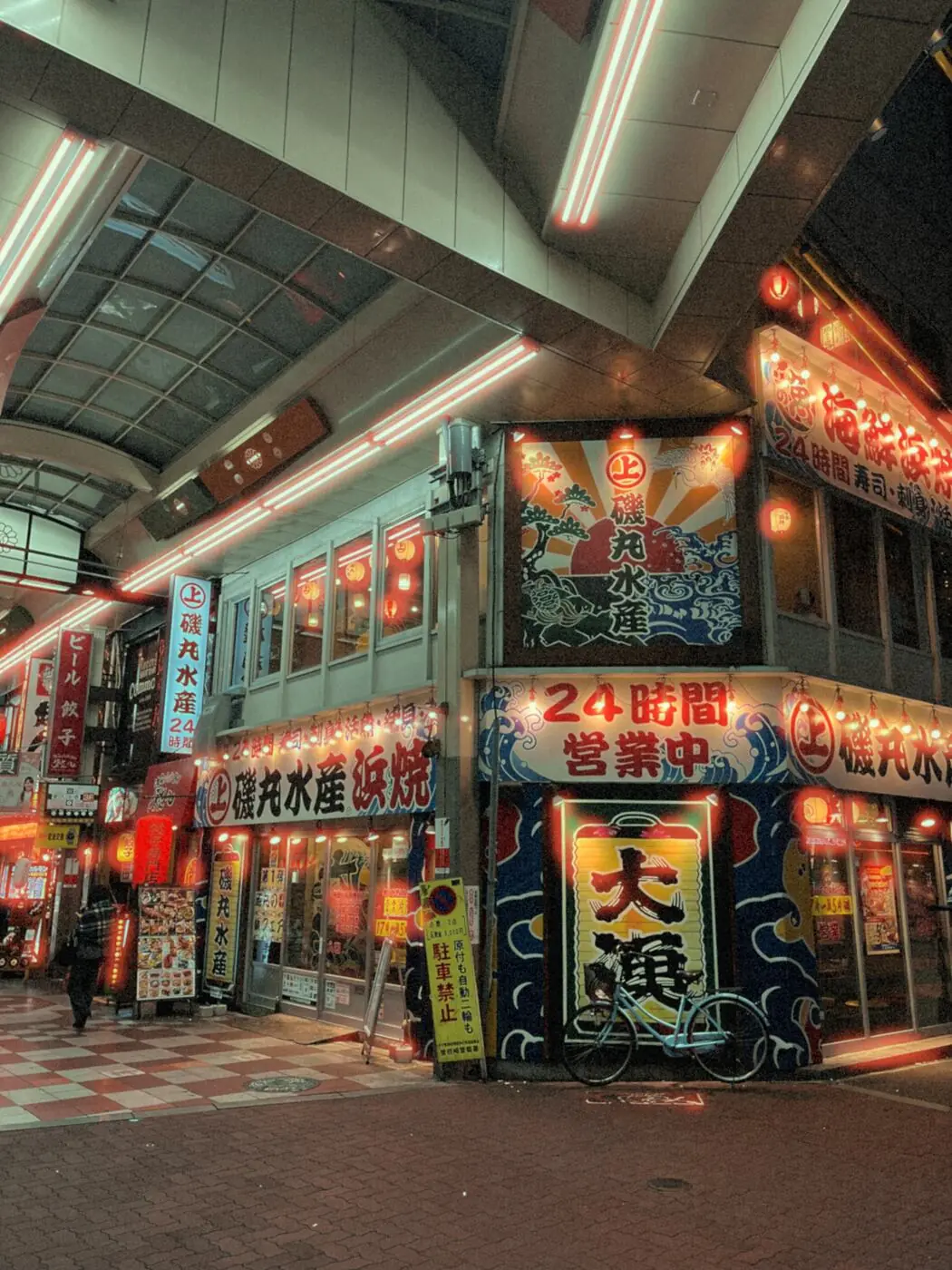
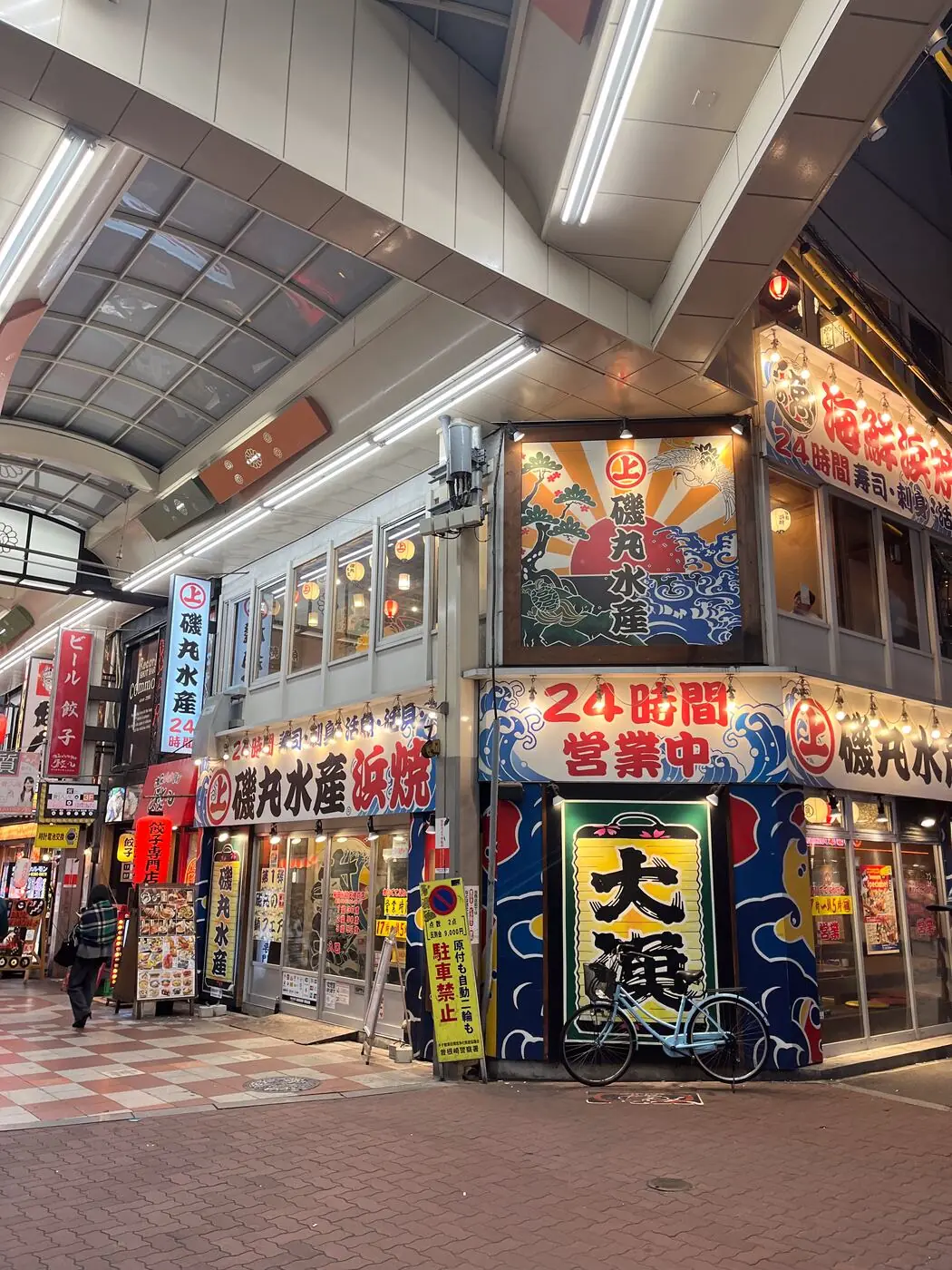
Gloa is an Android camera app that gives your photos a night-film look in one tap.
Gloa gives any Android phone the night film look: warm tungsten highlights, teal shadows, a red glow around every light, and film grain. Press the shutter and you're done.
No preset library to scroll through and no editing session afterwards. One look, tuned for night, and one shutter button. Point, shoot, done. Already have photos? Import them. Night shots get the full look, daylight shots stay natural. Want it stronger or softer? Intensity, grain and halation are one slider each.
Harsh night light turns into warm golden highlights, while the shadows cool toward teal. Exposure is balanced for you, photo by photo.
A soft red-orange glow around neon signs, streetlamps and shop windows, inspired by the way light bled through tungsten film.
Fine, film-like grain that is strongest in the midtones and stays out of deep shadows and bright highlights, so the image feels textured, not noisy.
Shoot for free. Pay once if you want to import and edit more. No ads, no account.
Pro is a single payment through Google Play, priced in your local currency and tied to your Google account. Requires Android 7.0 or later.
Gloa is an Android camera app that gives photos a night-film look: warm tungsten highlights, teal shadows, a red glow around lights and film grain. You press the shutter and the look is applied on your phone, with no editing session afterwards.
It is the style of tungsten-balanced film shot after dark: golden highlights, cool teal shadows, a soft red-orange halation glow around bright lights, and visible grain. Gloa recreates that character digitally. It is an independent app and is not affiliated with any film manufacturer.
You can try it for free. Shooting with the in-app camera is unlimited with no watermark, and you can import 3 photos from your gallery. Gloa Pro is a one-time purchase that unlocks unlimited imports and saving photos with adjusted Intensity, Grain and Halation.
No. Gloa Pro is a single payment through Google Play, priced in your local currency and tied to your Google account. There are no recurring charges and no ads.
No. There is no sign-up or login. Gloa has no ads and no analytics. The only data it sends is crash reports and Google Play requests, which the privacy policy describes in full.
No. Photos are processed on your phone's graphics processor and are never uploaded. Finished photos are saved to your gallery in the Pictures/Gloa folder.
Gloa requires Android 7.0 or later.
Yes. Import photos from your gallery: night shots get the full look and daylight shots stay natural. Free users can import 3 photos, and Gloa Pro unlocks unlimited imports.
Three sliders: Intensity, Grain and Halation. There is one look, tuned for night, and no preset library to scroll through.
No. Gloa is Android-only.
Purchases are handled by Google Play, so refunds follow Google Play's refund policy. If something has gone wrong with your purchase, email [email protected] and I will look at it.